How to Clean a TV Screen: Safe Steps for a Clear Picture
Learn how to clean a tv screen safely with simple steps, the right microfiber cloth, and gentle cleaning methods that remove smudges without risking damage.
For most flat-screen TVs, the safest way to clean the screen is to turn it off, unplug it, and gently wipe with a clean, dry microfiber cloth. An anti-glare coating is a surface layer that reduces reflections and can be damaged by unsuitable cleaners. Dust and fingerprints can cloud the picture, but a careful approach helps protect the delicate surface at home.
Gentle, dry cleaning is the best starting point for ordinary marks. Too much pressure or an unsuitable cleaner can damage the surface, so this advice keeps the method simple. When a model’s care instructions specify a different approved method, follow those instructions for that set.
Key Takeaways
- Start with a clean, dry microfiber cloth.
- Use light pressure on the TV screen.
- Apply distilled water to the cloth, not the panel.
- Check the manufacturer’s instructions for model-specific care.
- Let the surface dry fully before reconnecting the TV.
How to Clean a TV Screen
A flat-screen TV needs no liquid for ordinary dust, because a clean, dry microfiber cloth is enough. A microfiber cloth for a TV should be soft, clean, and lint-free; a clean microfiber cloth, also spelled microfibre cloth, works well. Keep pressure light because forceful wiping can damage the panel.
For a natural way to clean a TV screen, use a dry microfiber cloth for dust and distilled water on the cloth for stubborn marks. A clean cloth made for glasses, phones, or camera lenses can also work if it is lint-free. The same careful approach keeps debris from scratching the surface.
Power Down and Prepare
Turn off the TV, let it cool for a few minutes, and unplug it before cleaning. Samsung gives these steps for its TVs, along with using a soft, clean, lint-free cloth. A few minutes to cool helps the panel reach room temperature before wiping.
Choose a cloth with no grit, lint, or residue from other cleaning jobs. Bright light can make dust and fingerprints easier to see, so position a lamp nearby if needed. Keep the cloth separate from household rags that may carry cleaning products.
Dust With a Dry Cloth
Use the cloth to gently wipe across the screen with minimal pressure. Pick up loose dust before addressing fingerprints, since rubbing particles against the surface can leave marks. Fold or flip the cloth as it collects dust, keeping a clean area against the screen.
A TV panel can be damaged by pressing too hard, so let the cloth do the work.
Work across the entire screen with slow, even strokes. Pay attention to the edges, where dust can gather, but avoid pushing the cloth into gaps around the frame. If the dry wipe removes the marks, no water is needed.
Spot-Clean and Dry
For marks that remain, put a small amount of distilled water on the microfiber cloth, then gently wipe the screen and frame. Never spray water directly onto a Samsung TV. Liquid should stay on the cloth, since liquid entering the TV can cause electric shock or component failure.
Use only enough water to lightly dampen the cloth; it should not drip. After wiping, allow the screen and frame to dry completely. A damp surface can leave streaks or put moisture near openings if the TV is reconnected too soon.
- Turn off the TV, let it cool, and unplug it.
- Dust gently with a dry cloth.
- Lightly dampen the cloth with distilled water for remaining marks.
- Let the screen dry completely.
Reconnect the TV only after the screen and frame are completely dry.
Which Products Are Safe for a TV Screen?
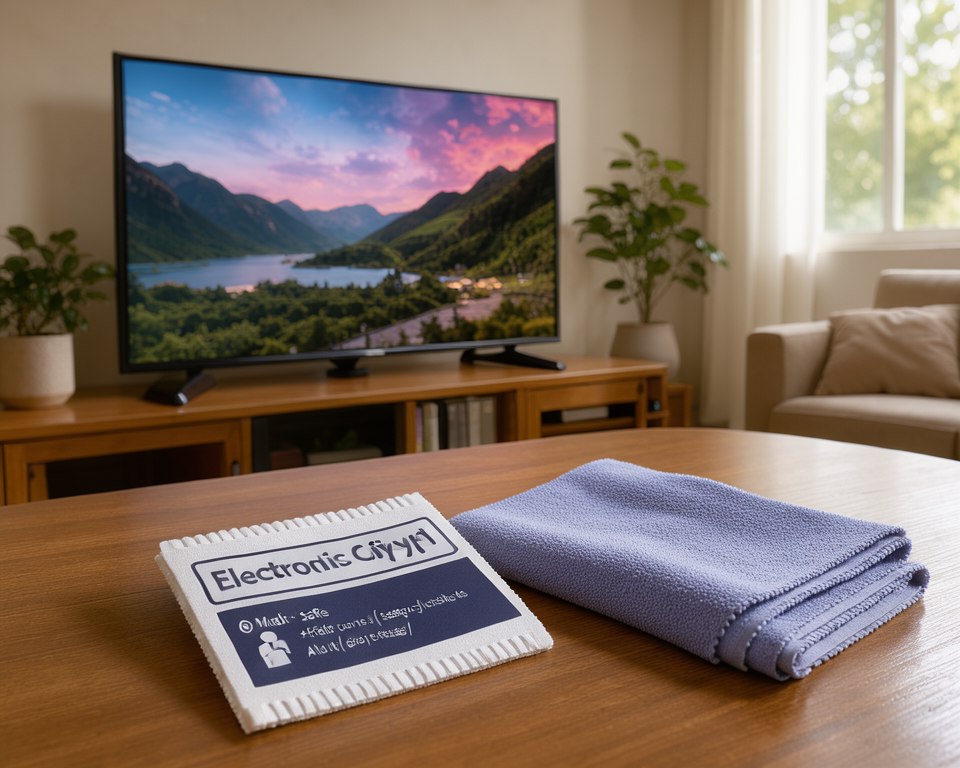
A clean microfiber cloth and distilled water are the low-risk default, while any wipe or cleaner should be explicitly labeled safe for TV screens. A screen cleaner is suitable only when its label names television screens, not just electronics. Household glass cleaner is not a safe choice for a flat-screen TV.
A TV screen cleaner should have clear directions for television use. Windex glass cleaner is different from Windex Electronics Wipes: the latter is a specific product described as safe for television screens and intended to remove fingerprints, dust, and grime. Its directions say to turn off and unplug the device first.
Safe Options for Dust and Smudges
For routine cleaning, a dry cloth handles dust without adding moisture. Distilled water on the cloth is the simple option for marks that resist a dry wipe. Use only a small amount, and keep liquid away from the panel itself.
Eyeglass wipes are not automatically safe for a TV. Their ingredients and moisture levels can vary, so use one only when its label explicitly permits TV screens. An electronic wipe is not a broad category of approval; each product needs suitable directions for television use.
Cleaners and Materials to Avoid
Vinegar is not recommended for flat-screen TVs, and neither vinegar nor hydrogen peroxide is a safer alternative to a dry cloth or distilled water. Dawn is soap, so it should not be used on a flat-screen TV. These household products can affect delicate screen surfaces.
Samsung warns that certain cleaners and materials can scratch a screen or strip its anti-glare coating. Keep these items away from flat-screen TVs:
- Household glass or window cleaner
- Soap and scouring powder
- Cleaners with alcohol, benzene, ammonia, or acetone
- Abrasive pads
- Paper towels
Paper towels may seem soft, but their fibers can scratch a delicate surface. Abrasive pads can cause more direct damage, while strong chemicals may harm the coating. A product marketed for electronics is not automatically suitable for a television.
Does TV Type Change the Cleaning Method?
Most LCD, LED, OLED, QLED, and plasma TVs use the same gentle dry-first method, while CRT and selected Samsung models have distinct instructions. Check the exact model before using liquid: Sony allows mild soap and warm water for stubborn marks, while Samsung’s general guidance favors distilled water. Windex glass cleaner may be used on CRT glass, not flat-screen TVs.
Do not transfer a CRT glass-cleaner exception to a modern flat-screen TV. The screen material and the manufacturer’s instructions determine which method applies.
LCD, LED, OLED, QLED, and Plasma TVs
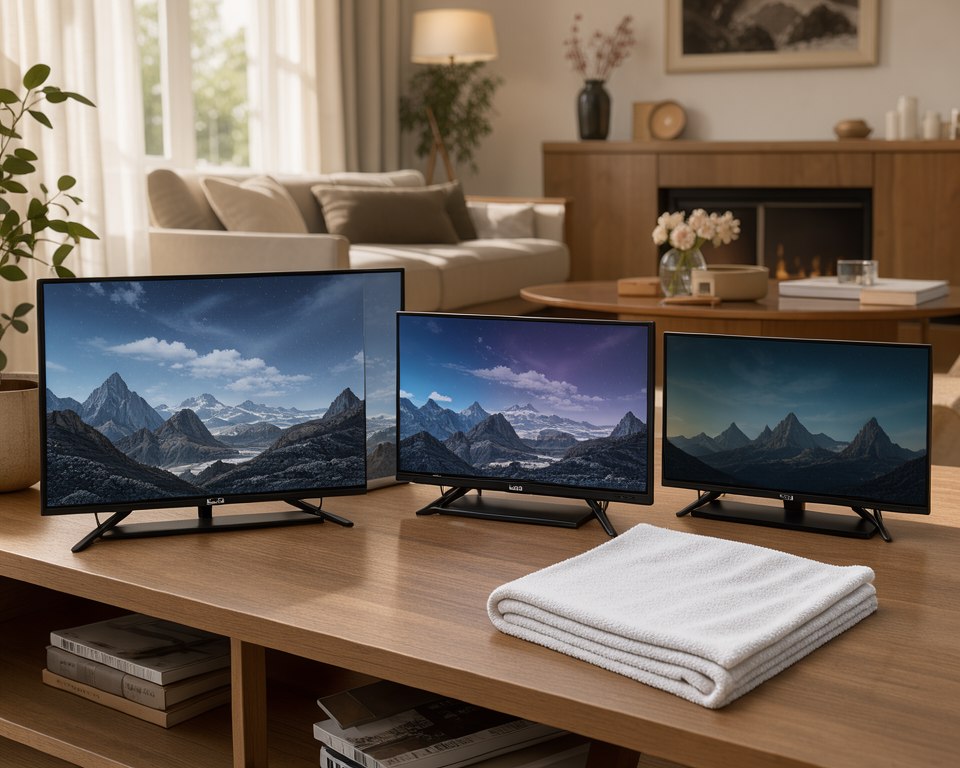
LCD, LED, OLED, and QLED screens share the same basic gentle method: start with a dry microfiber cloth, then use distilled water on the cloth if needed. Sony TV owners should begin with a soft, dry cloth. Sony’s guidance permits a slightly damp cloth with mild soap and warm water for stubborn marks.
Samsung’s instructions are stricter, so Samsung owners should use its guidance for their specific model. The difference matters: a cleaner approved for one manufacturer’s model should not be assumed safe for another. Plasma screens also need the flat-screen approach because they may have an anti-glare coating.
| Screen type | Surface detail | Safe method | Cleaner guidance |
|---|---|---|---|
| LCD/LED/OLED/QLED | Delicate flat-panel surface | Dry microfiber, then distilled water on cloth if needed | No household glass cleaner |
| Plasma | Glass screen with anti-glare coating | Same gentle flat-screen method | No window cleaner |
| CRT | Glass tube screen | Soft cloth and CRT-specific instructions | Window cleaner may be used on CRT glass |
| Samsung Frame/Serif | Special reflective surface | Model-specific damp-cloth and melamine-sponge spot method | Do not generalize the exception to other TVs |
Older CRT Glass Screens
Older CRT televisions have glass tube screens, so their care differs from that of modern flat-panel TVs. Window cleaner may be used on CRT glass when the set’s instructions allow it. That exception does not make glass cleaner suitable for LCD, LED, OLED, QLED, or plasma screens.
Samsung Frame and Serif TVs
Samsung Frame and Serif TVs have a special reflective surface designed to reduce glare. For a stubborn spot on these models, lightly dampen a microfiber cloth with a few drops of water and wipe the spot. Before the water dries, gently use a melamine foam sponge on the mark.
This spot method is specific to the Frame and Serif models, not a general technique for other Samsung TVs. Keep the Frame and Serif spot-cleaning exception limited to those named models.
How to Prevent Streaks and Maintain a TV
A weekly look at the screen helps catch dust and fingerprints before they become distracting. Check the TV about once a week and clean it as needed, rather than waiting for a visible film. Fold or flip the cloth often so collected dust does not drag across the surface.
Wiping in one direction and then the opposite direction helps cover the screen. Move steadily, and use a fresh part of the cloth when the current area looks dusty. Pre-treated dusting cloths can leave oily deposits on a TV screen.
Streaks can appear when a cloth carries residue or spreads grime instead of lifting it. A clean microfiber cloth makes it easier to see whether a mark remains. Avoid using a cloth that has already touched furniture polish or other household products.
Let the cloth collect dust instead of carrying it from one part of the screen to another.
Dust the TV vents about every two weeks to keep lint from building up around the case. The area around the TV also benefits from regular dusting, since nearby shelves and stands can send particles back toward the screen.
For vents or ports, use low suction with a soft brush attachment. Keep the vacuum nozzle away from the TV’s surface and do not push it into a port. A nozzle pressed against an opening can damage the connection.
When dusting a port, keep the vacuum nozzle out of the opening to avoid damaging the connection.
Conclusion
A clear picture is usually best protected by restraint, not a stronger cleaner. Gentle care helps preserve the screen’s surface, while extra force or unnecessary products can create problems that a simple wipe would avoid.
One practical step is to keep a clean microfiber cloth separate from other household cleaning materials. That way, residue from furniture or glass cleaning cannot transfer to the TV. Set aside one clean microfiber cloth for the TV so it is ready for the next light dusting.
FAQ
What products to use to clean a TV screen?
Use a clean microfiber cloth for dust and distilled water applied to the cloth for stubborn marks. A screen cleaner is another option only when its label specifically says it is safe for TV screens. Keep household glass cleaner and products with harsh chemicals away from flat-screen TVs. The simplest suitable choices are usually enough for fingerprints and ordinary dust.
How to clean a Sony TV screen?
Start by wiping a Sony TV screen with a soft, dry cloth. For stubborn marks, Sony’s guidance allows a slightly damp cloth with mild soap and warm water. Use the damp cloth gently and avoid soaking the surface. Sony’s model-specific instructions should guide any cleaning beyond a dry wipe, since other manufacturers may recommend different care.
How to clean a Samsung TV screen?
Turn off the Samsung TV, let it cool for a few minutes, and unplug it before cleaning. Use a clean, dry microfiber cloth first. If marks remain, apply distilled water to the cloth and gently wipe the screen and frame. Never spray water directly onto the TV, and let it dry completely before plugging it back in.
Can you use Windex on your TV screen?
No, Windex glass cleaner should not be used on a flat-screen TV. It can harm a delicate surface or its anti-glare coating. Windex Electronics Wipes are a separate product described as safe for television screens, but that does not make other electronic wipes suitable. Window cleaner may be used on CRT glass only, not modern flat-panel screens.
Can I use eyeglass wipes to clean my TV screen?
Not automatically. Eyeglass wipes can vary in their ingredients and how much moisture they contain, so their intended use for lenses does not confirm they are safe for TV screens. Use a pre-moistened wipe only when the label explicitly permits television screens. A clean, dry microfiber cloth remains a lower-risk choice for routine dust.
Can I use vinegar to clean a TV screen?
No, vinegar is not recommended for a flat-screen TV. It is not a safer option than a dry microfiber cloth or distilled water applied to the cloth. A dry wipe is enough for ordinary dust, while a lightly damp cloth can help with stubborn marks. Keep the liquid on the cloth rather than spraying it onto the panel.
How can I naturally clean my TV screen?
Use a clean, dry microfiber cloth first, then apply a little distilled water to the cloth for marks that remain. This avoids adding a household cleaner to the screen. Wipe gently and use only enough water to dampen the cloth without making it drip. The screen and frame should be completely dry before the TV is reconnected.
Can you use Dawn to clean a flat screen TV?
No, Dawn is soap and should not be used on a flat-screen TV. Soap can leave residue and is not part of the low-risk cleaning method for delicate panels. Use a clean microfiber cloth for dust, then distilled water on the cloth if a mark remains. Do not put liquid directly onto the screen.